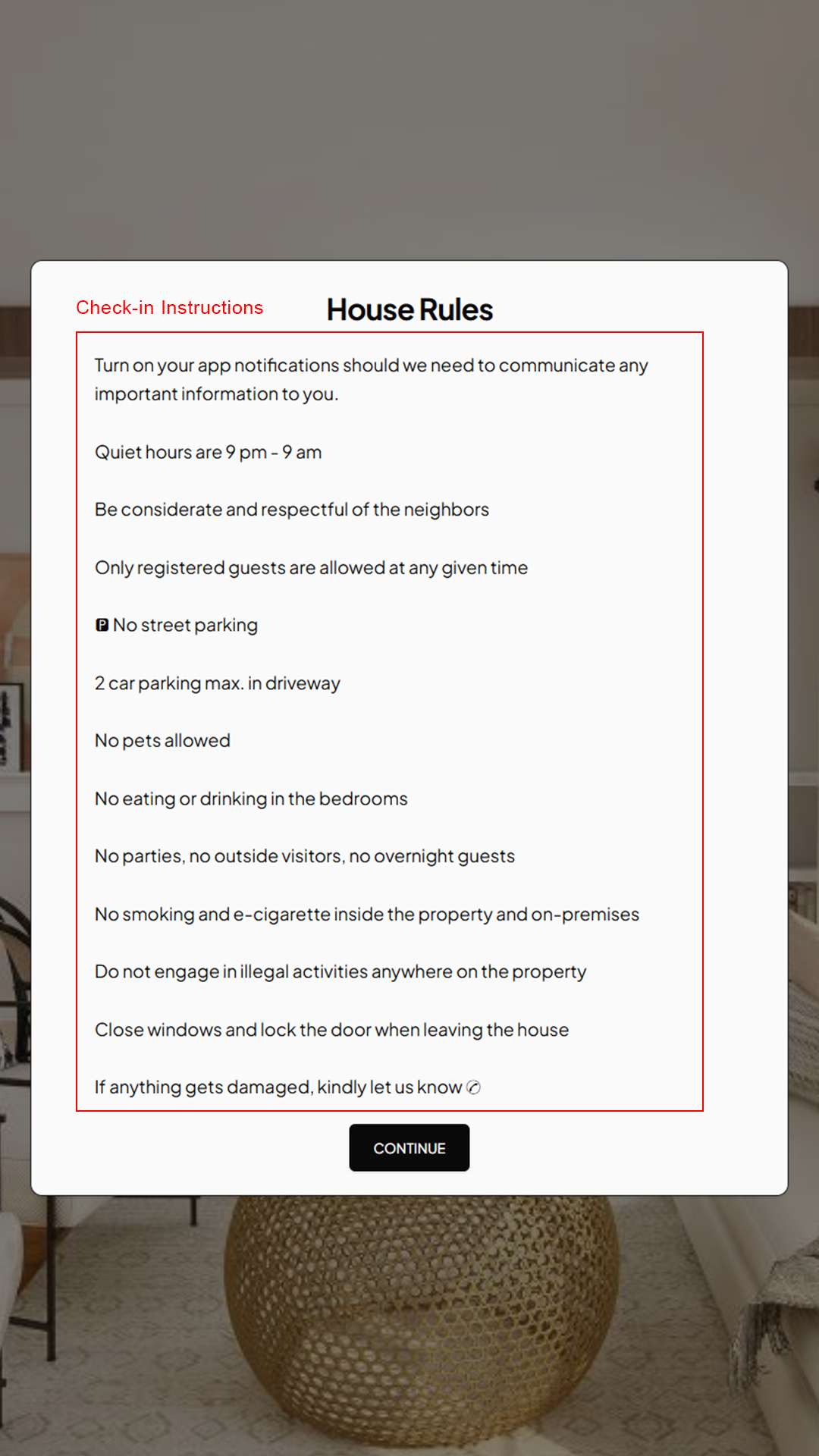
The Welcome Tab is where you configure the custom welcome message and check-in instructions for your guests.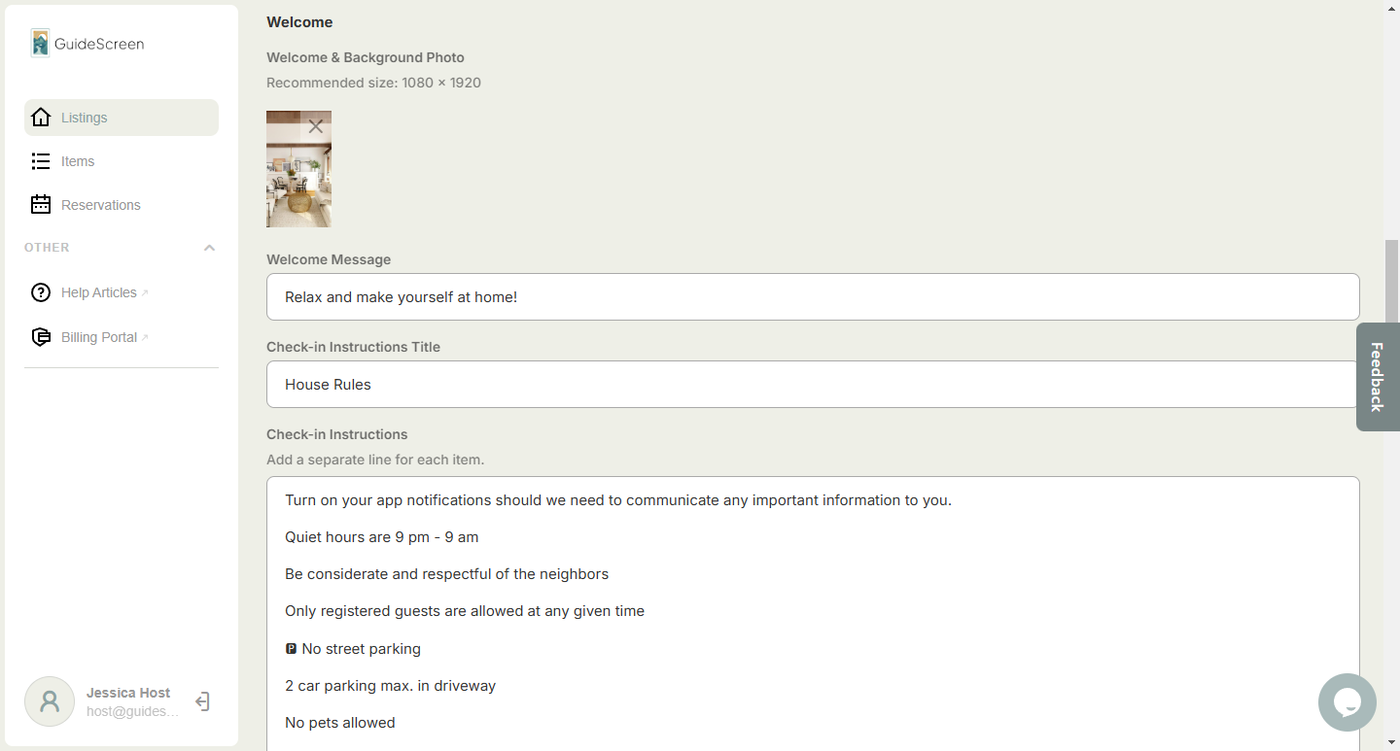
Welcome Fields:
1. Photo for Welcome Page - The photo appears on the welcome screen and act as a background for most device screens. The recommended size for the image is 1080 x 1920 in jpg format.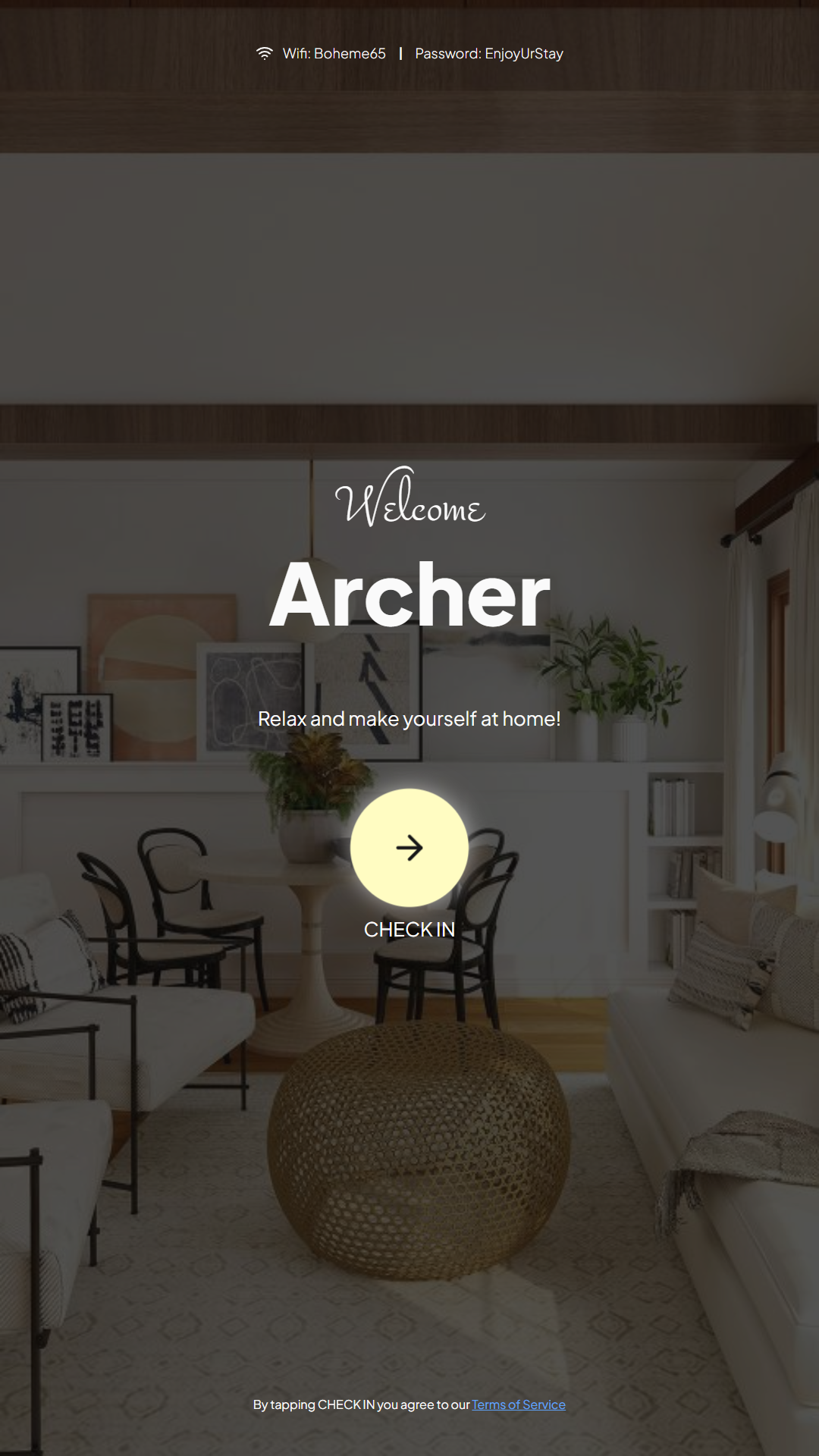
2. Welcome Message - The welcome message appears on the welcome screen, beneath the guest's name. The welcome screen is triggered by the check-in time fetched from iCal.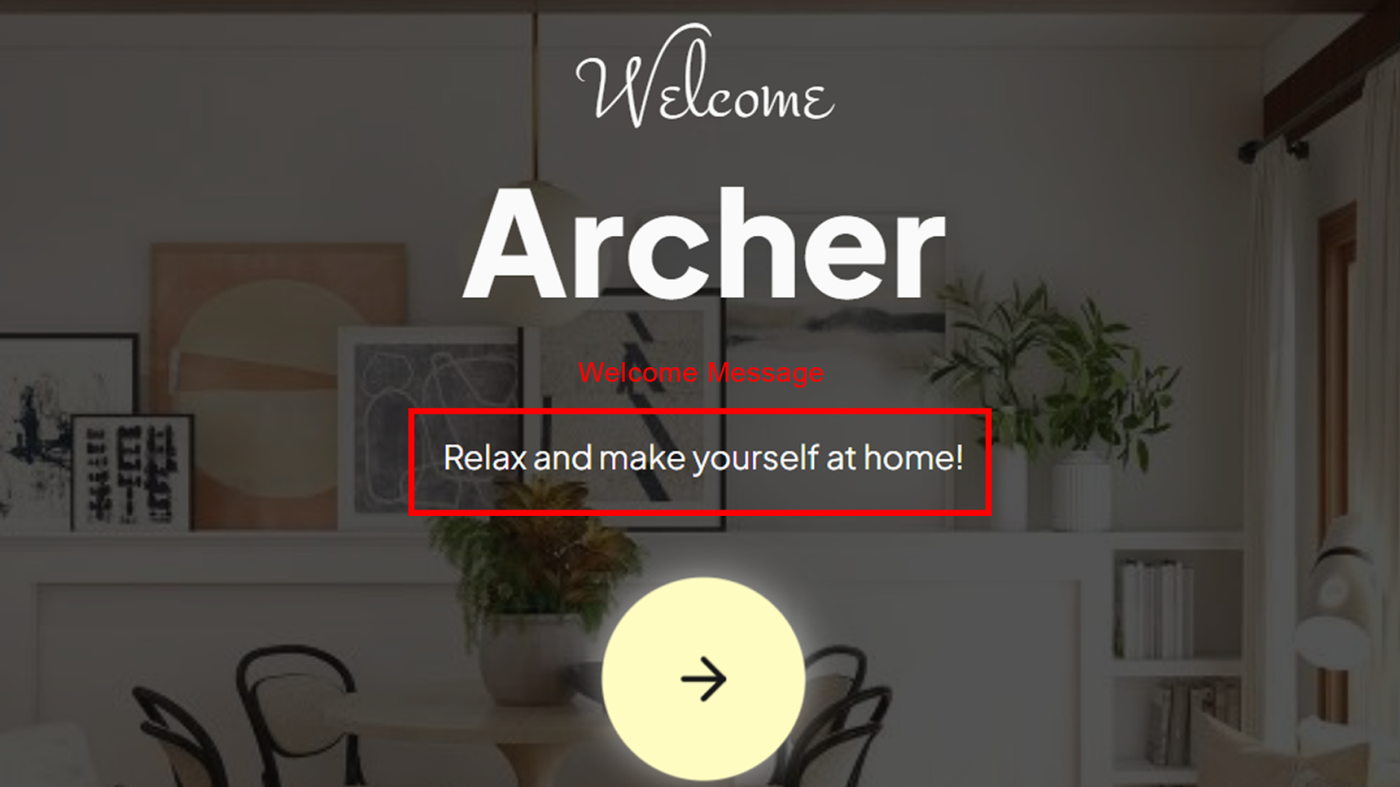
3. Check-in Instructions Title - Title of the Check-in Instructions screen.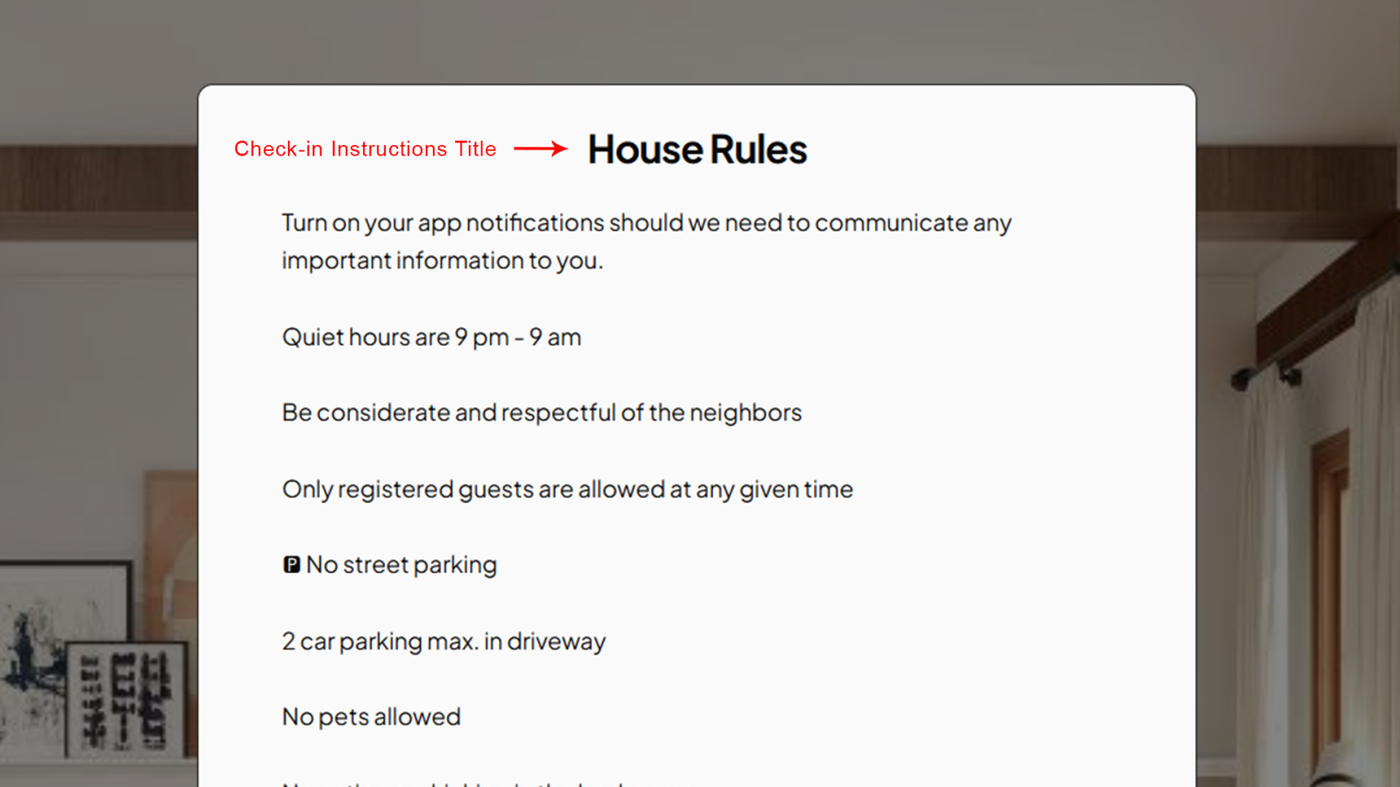
4. Check-in Instructions - The actual content of the check-in instructions.