The Sections Tab is where you edit the three clickable sections on the main-menu screen.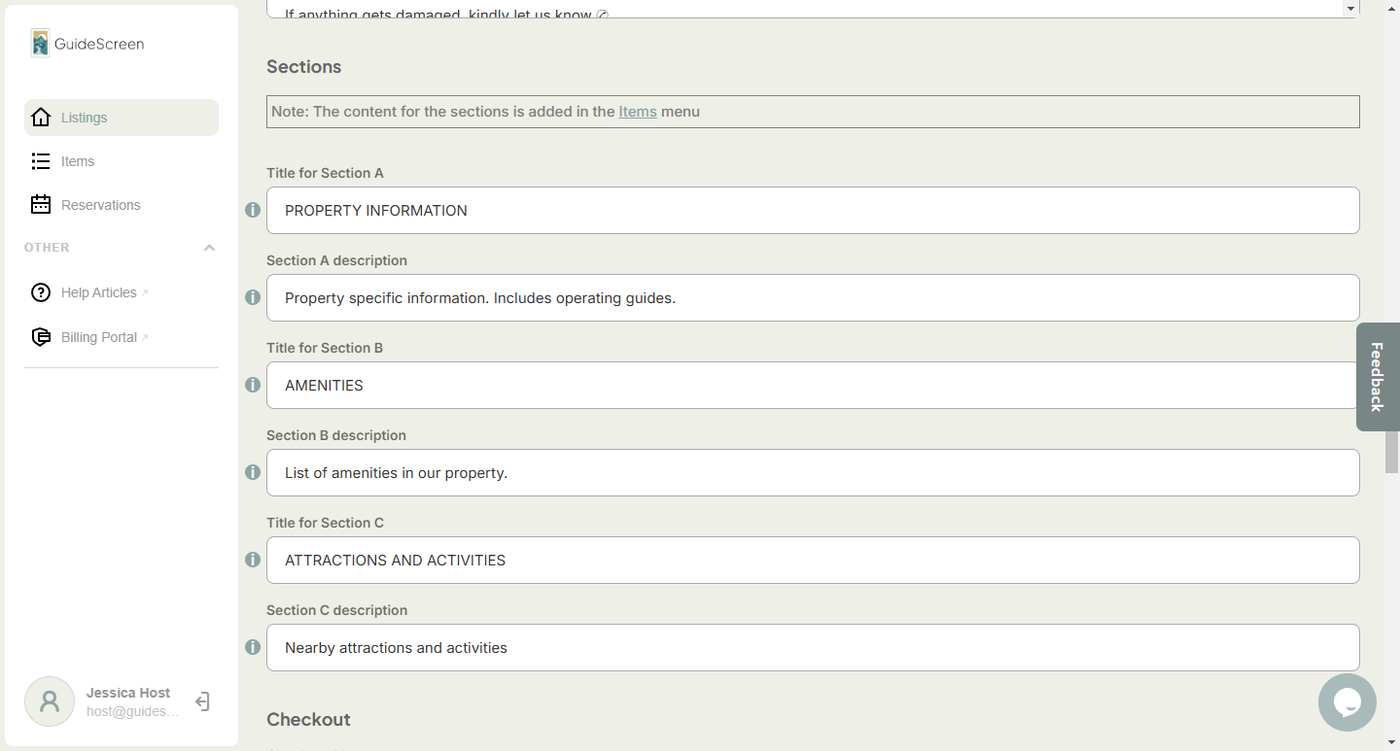
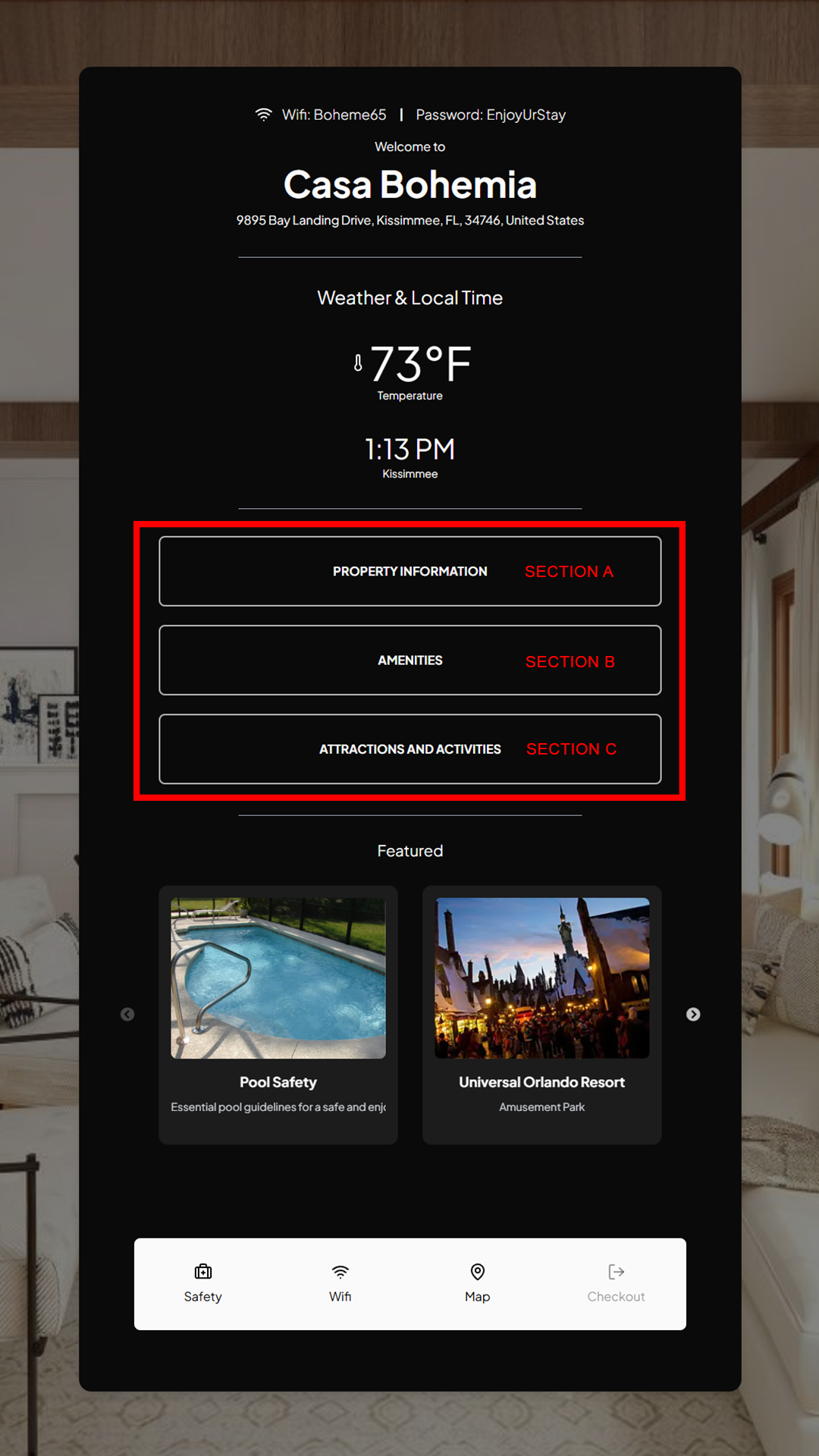
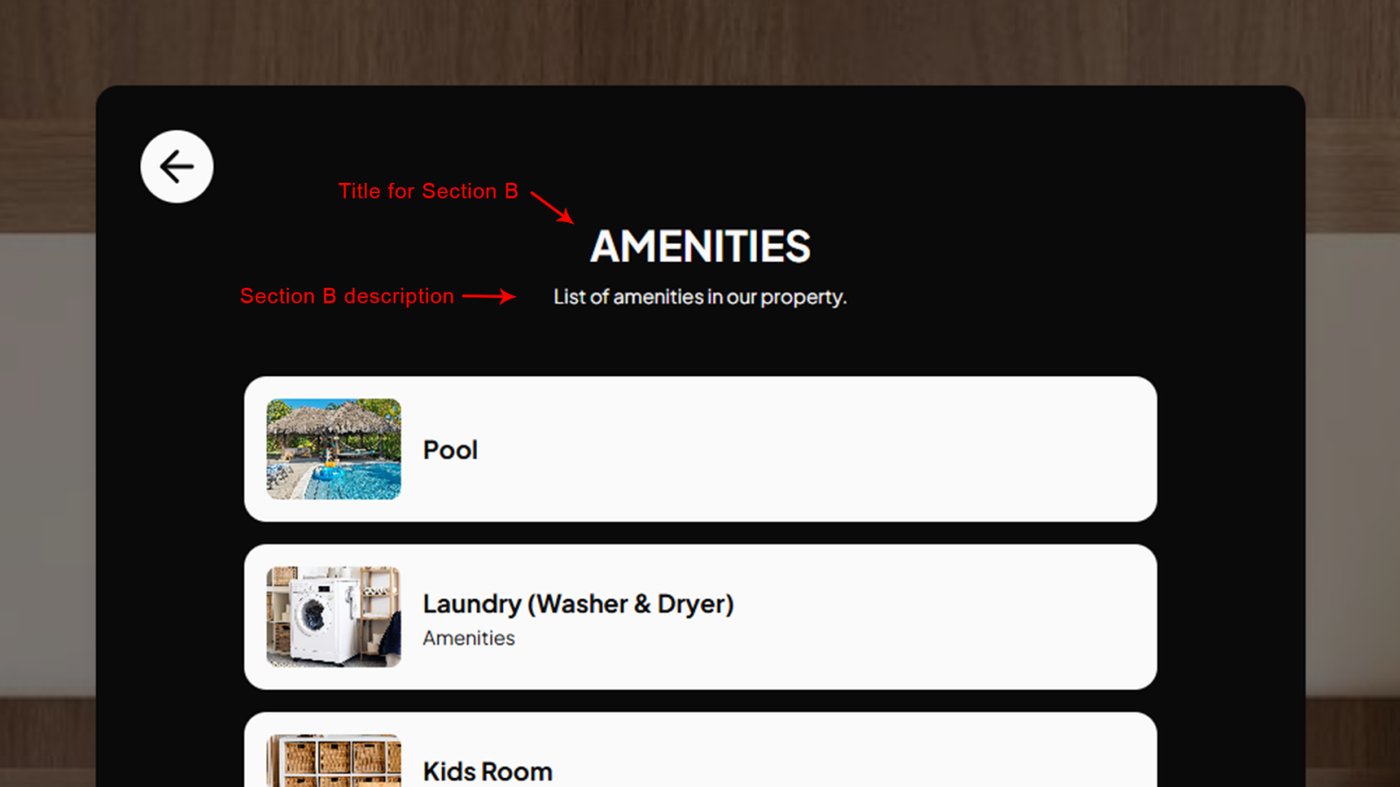
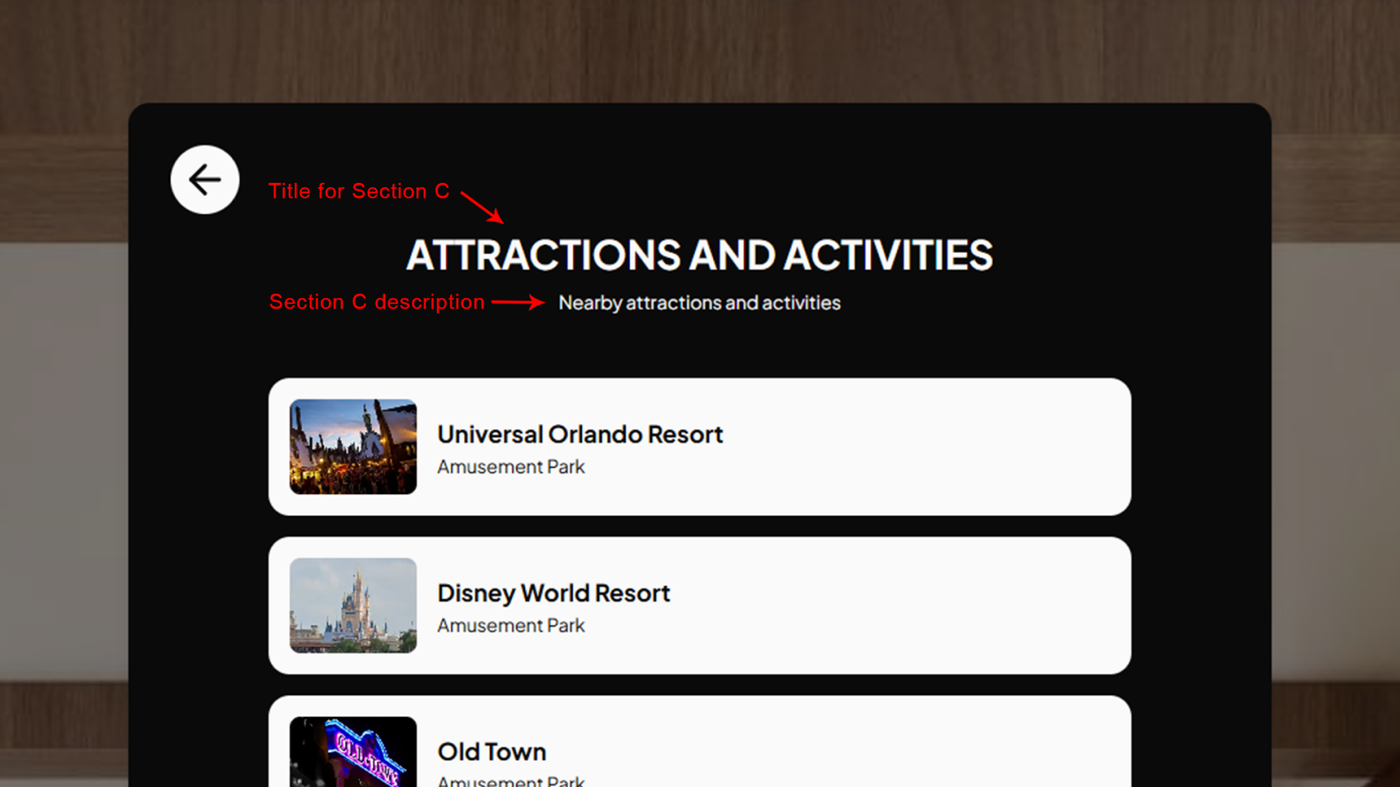
Titles for sections A, B and C act as labels for the tappable elements on the main-menu. The titles appear as headings on the section's screen after a user taps on the element. The description is displayed beneath the title on the section's screen.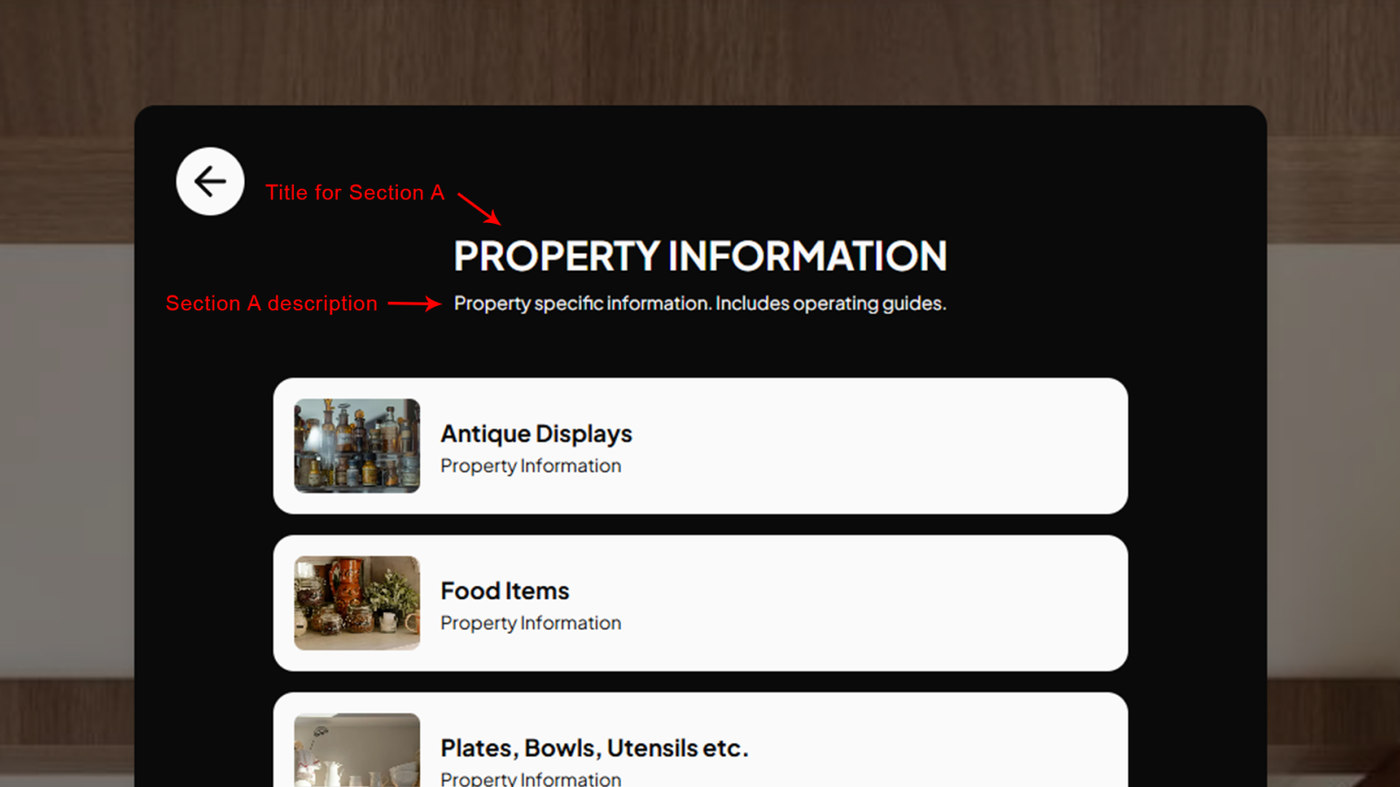
Next Article: Listing Settings: Checkout Tab