The Checkout Tab is where you configure the custom checkout screen that appears when your guests are ready to checkout.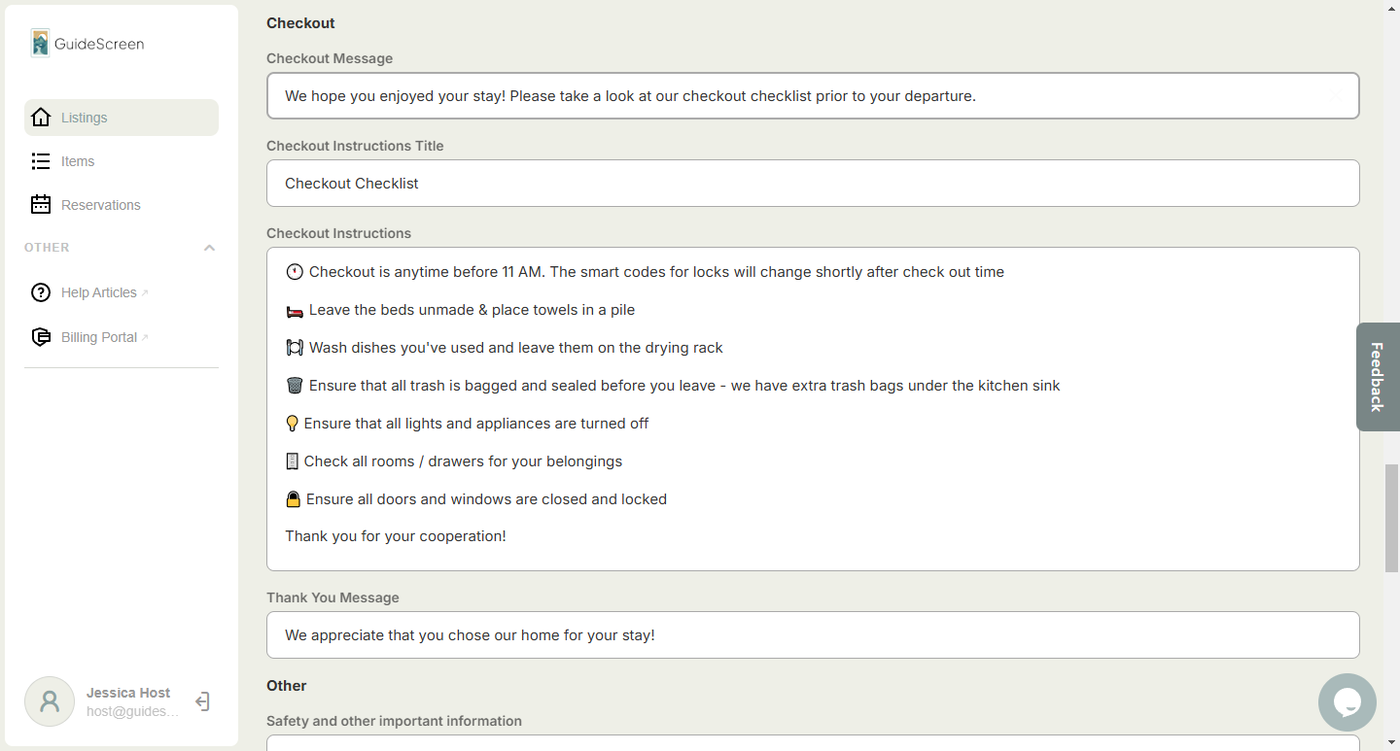
Checkout Section Fields:
1. Checkout Message - This is where you put the custom checkout message that appears when the guest taps the checkout button or once the checkout date and time fetched from iCal is up.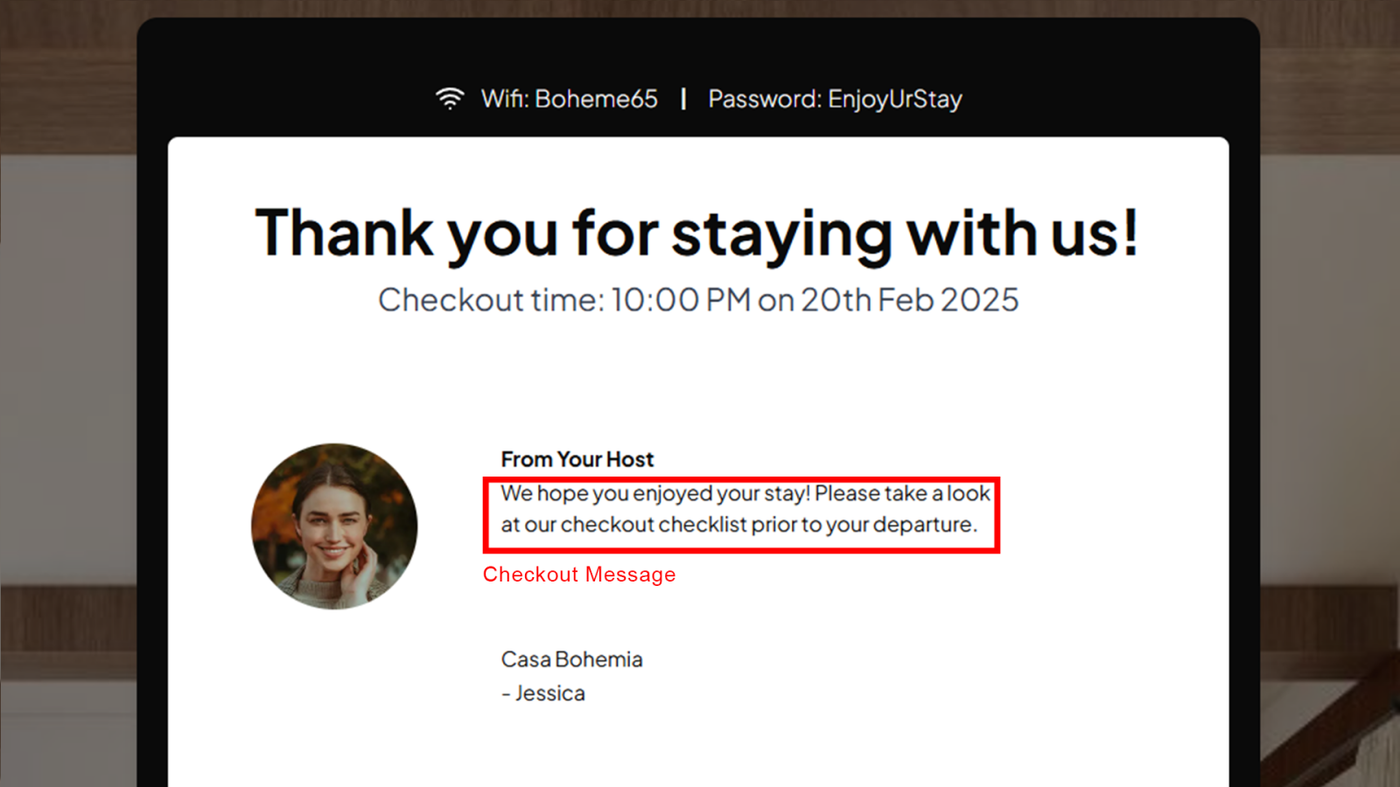
2. Checkout Instructions Title - This is where you put the custom heading for the checkout instructions screen that appears once the guest taps the checkout instructions button.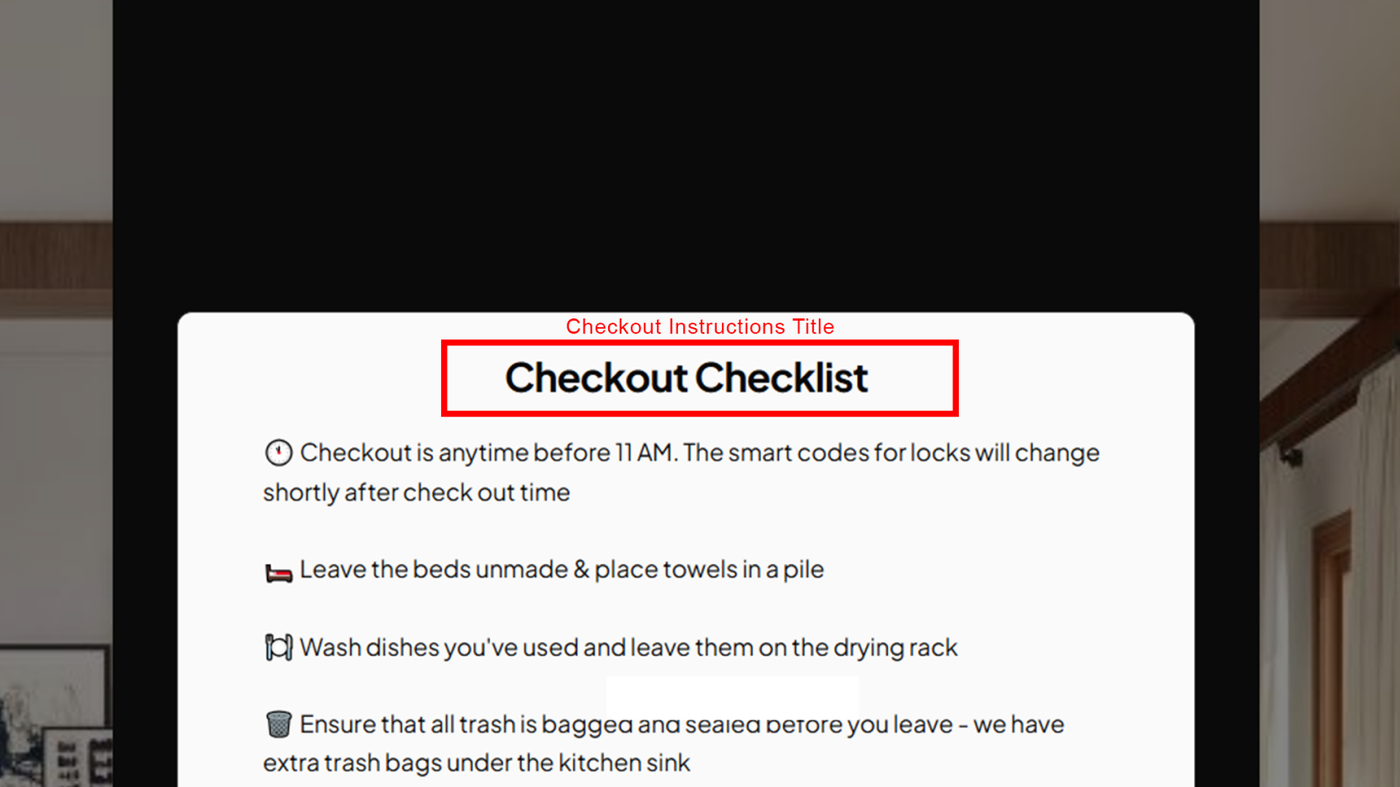
3. Checkout Instructions - This is where you write the instructions that you would like the guest to follow before they vacate your property. Remember to add each item on a separate line.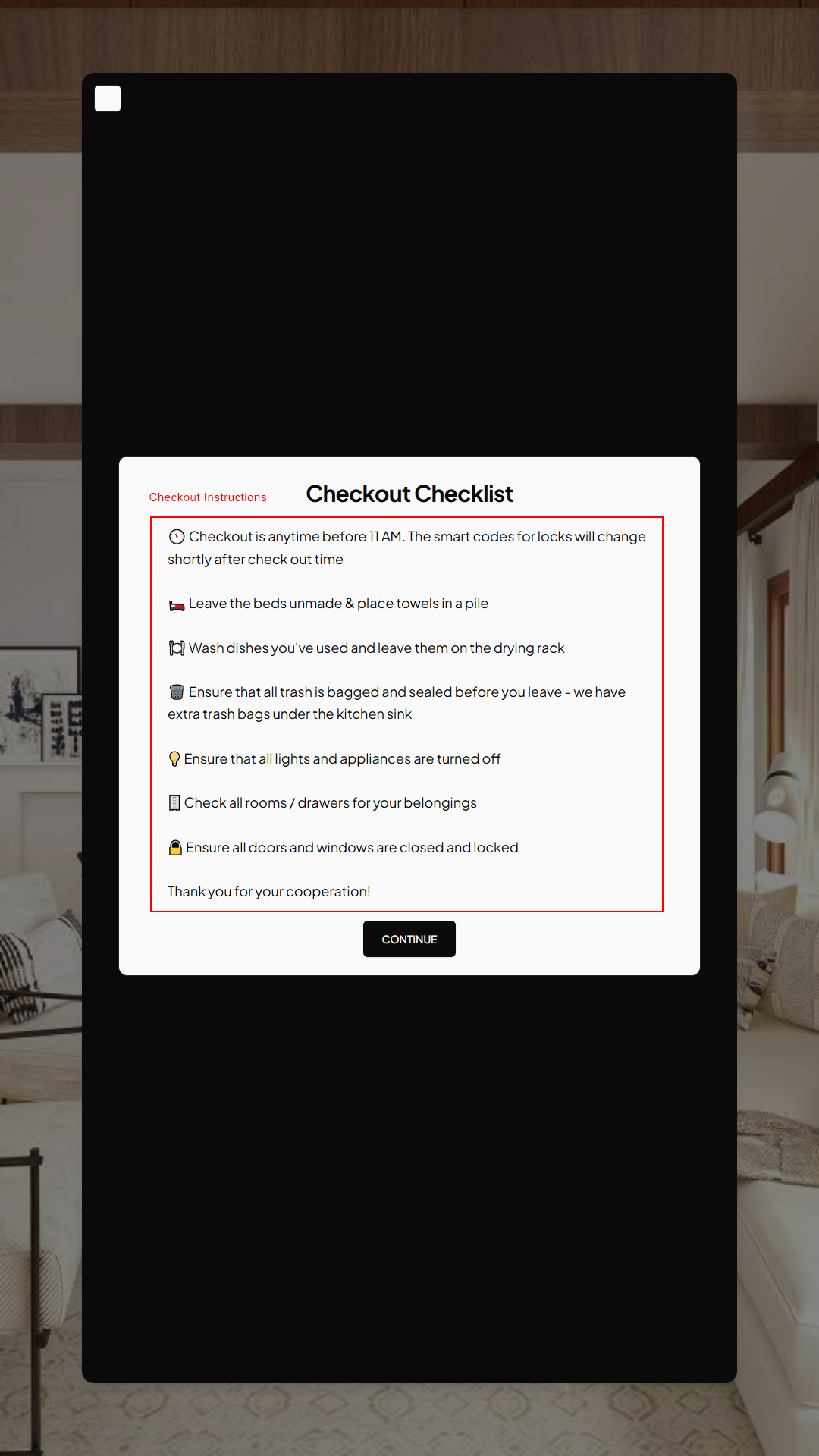
4. Thank You Message - This appears once the guest submits the checkout rating.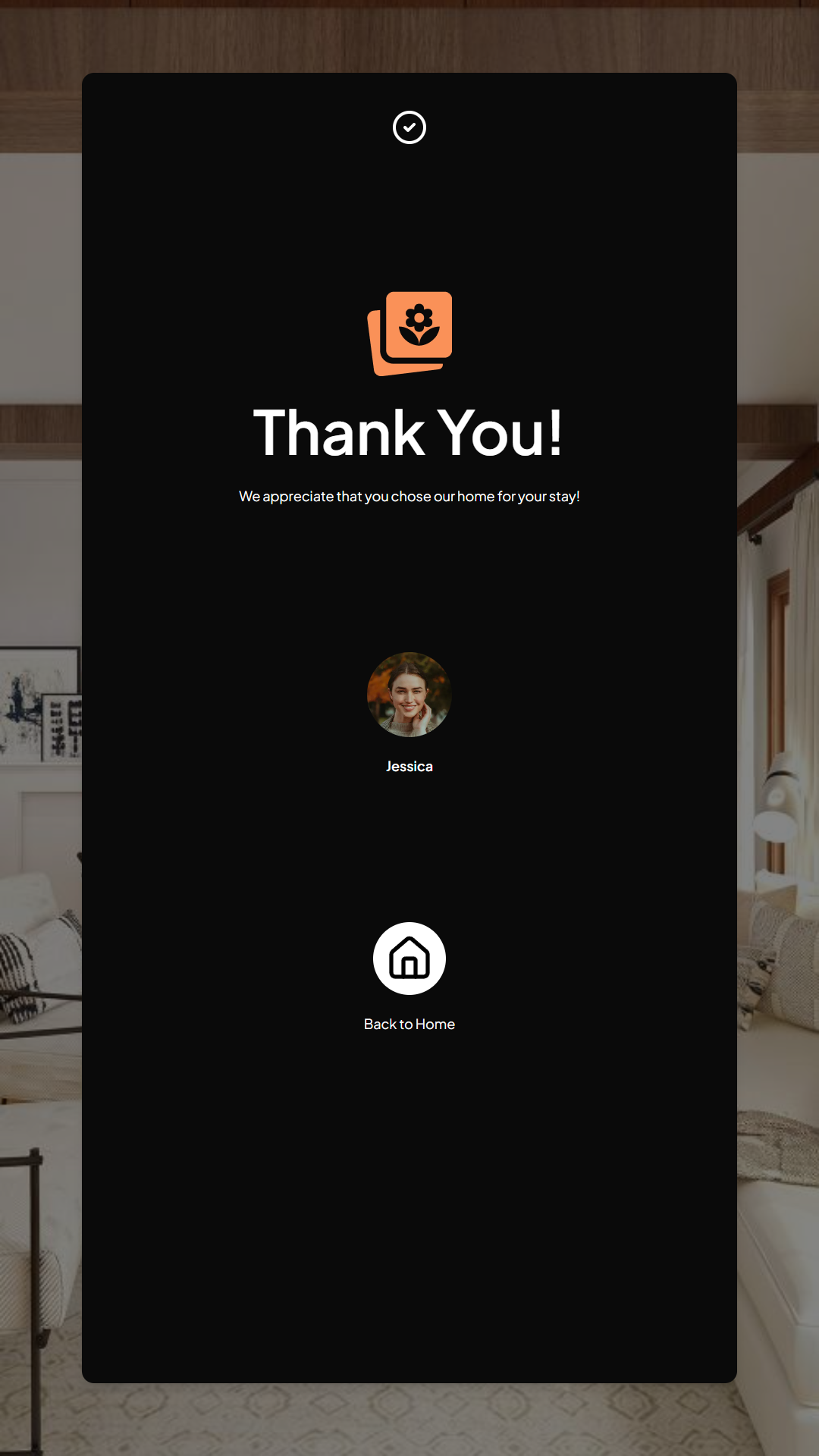
Next Article: Listing Settings: Other Tab