The Basic Section in the listing settings is where you can add / edit a property's display name, iCal details, host name, Wifi details and your company name.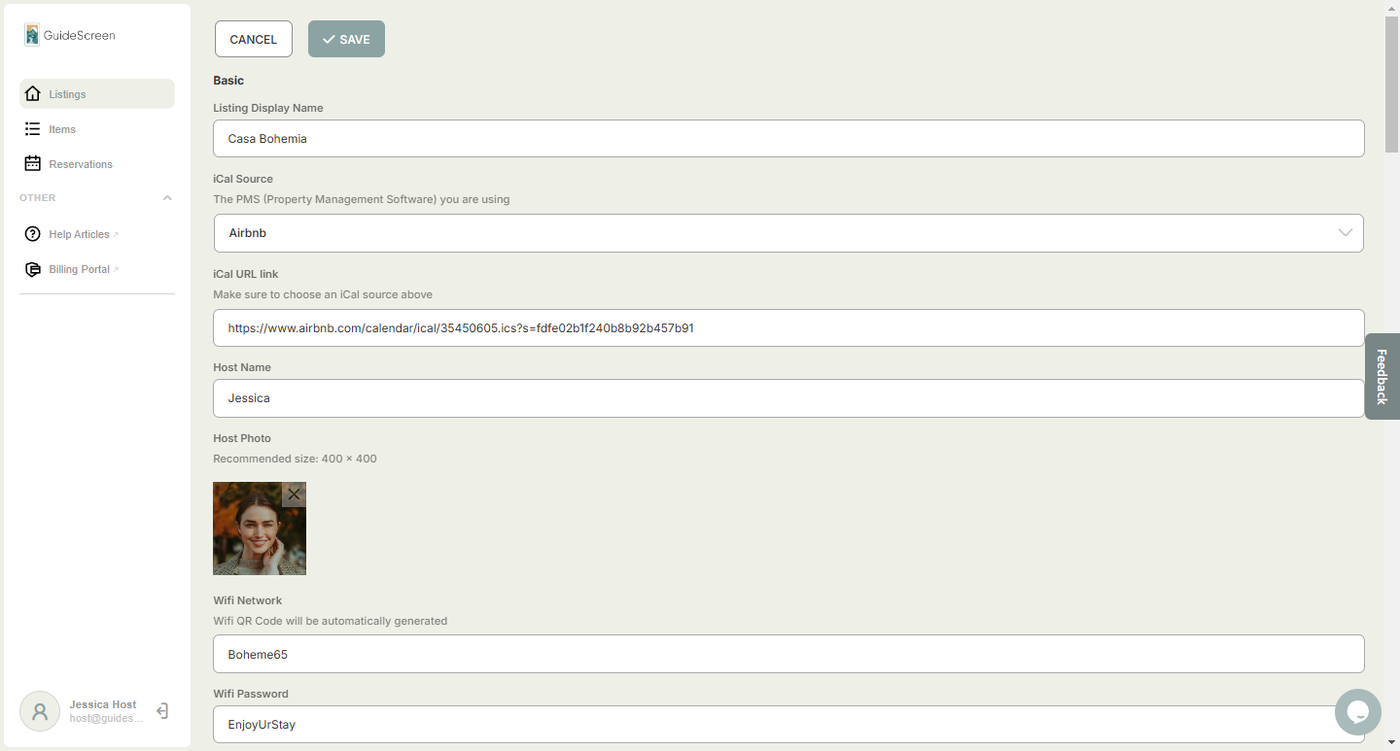
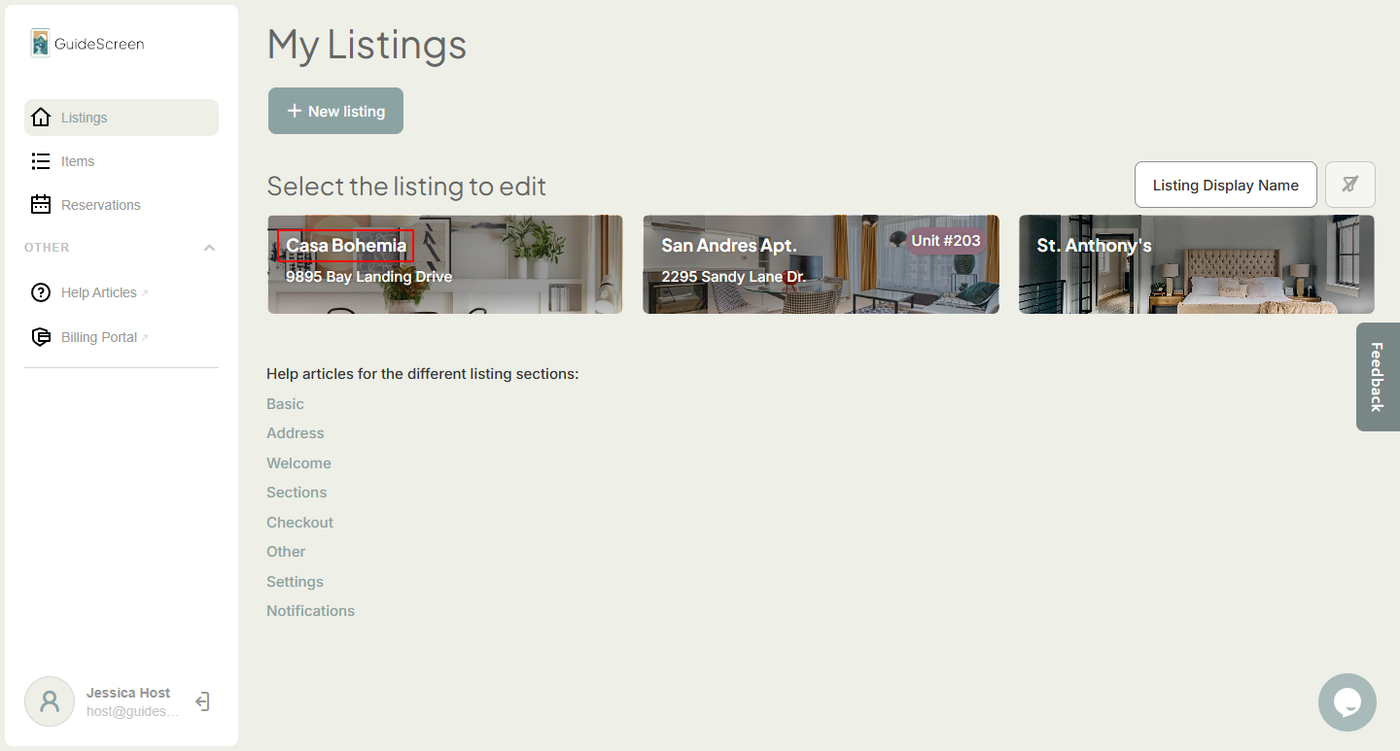
1. Listing Display Name - A unique name for your property. It is visible on the main-menu of the app and is also used to identify a property within the admin dashboard.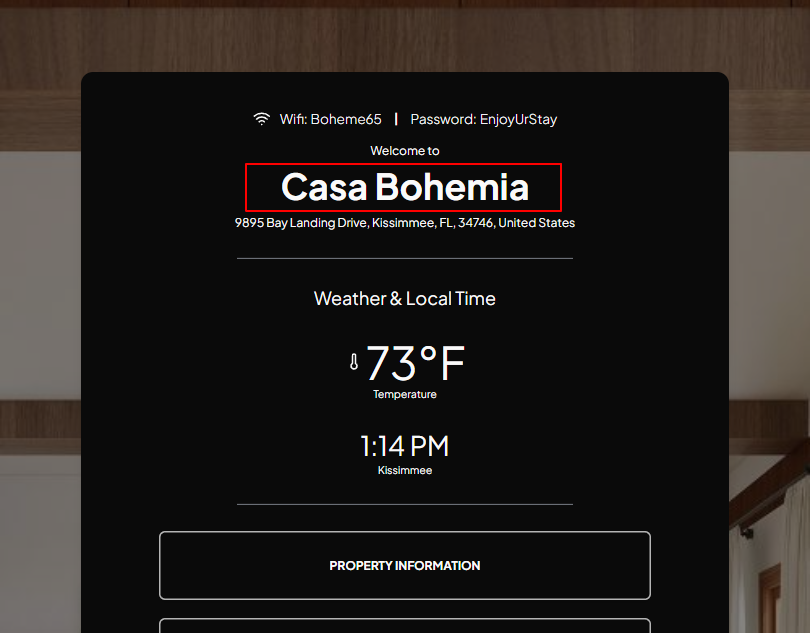
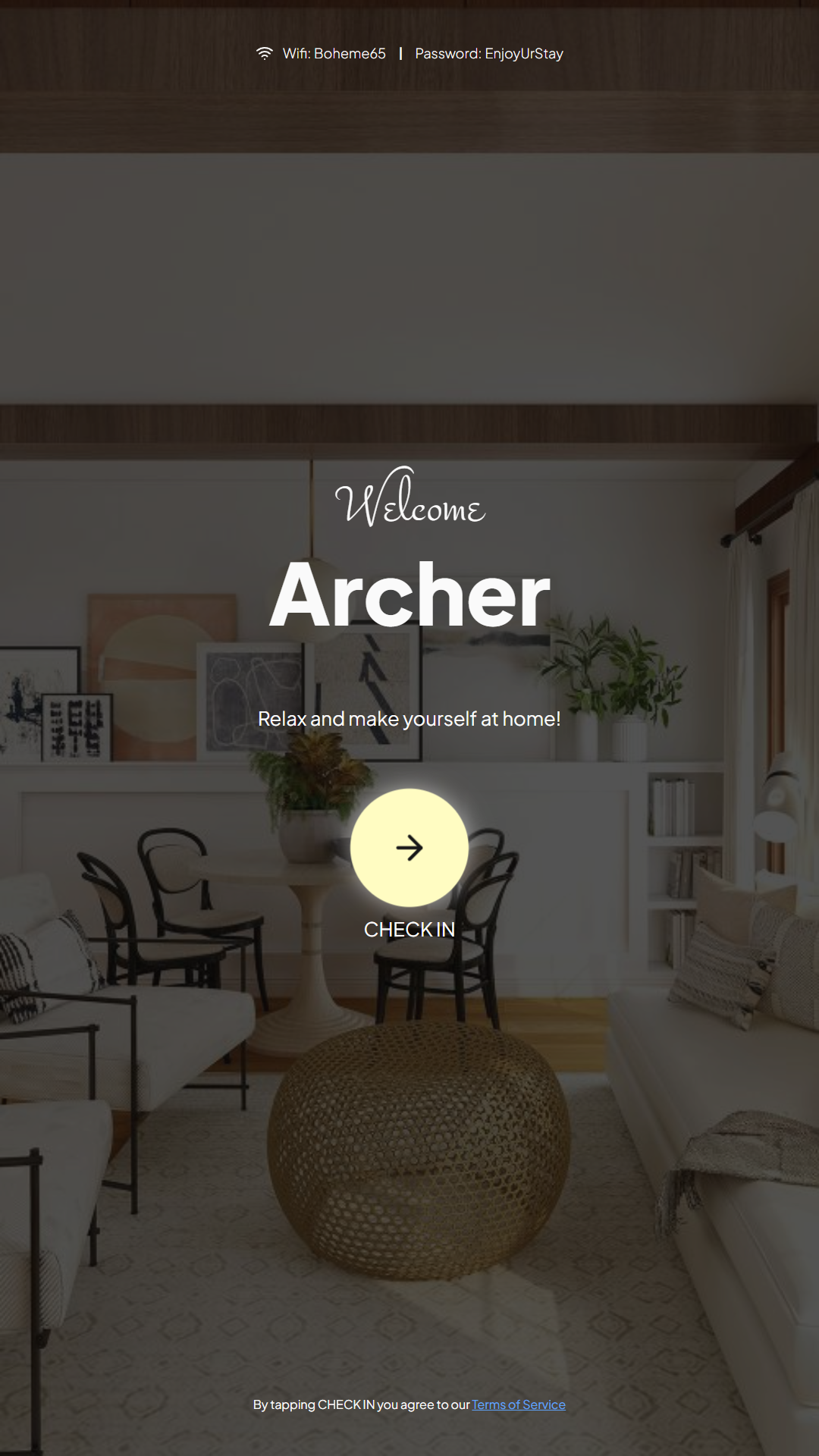
2. iCal URL Link - The iCal URL Link allows our software to fetch data from your listing's calendar, including the guest's name that the device uses for the customized welcome greeting.
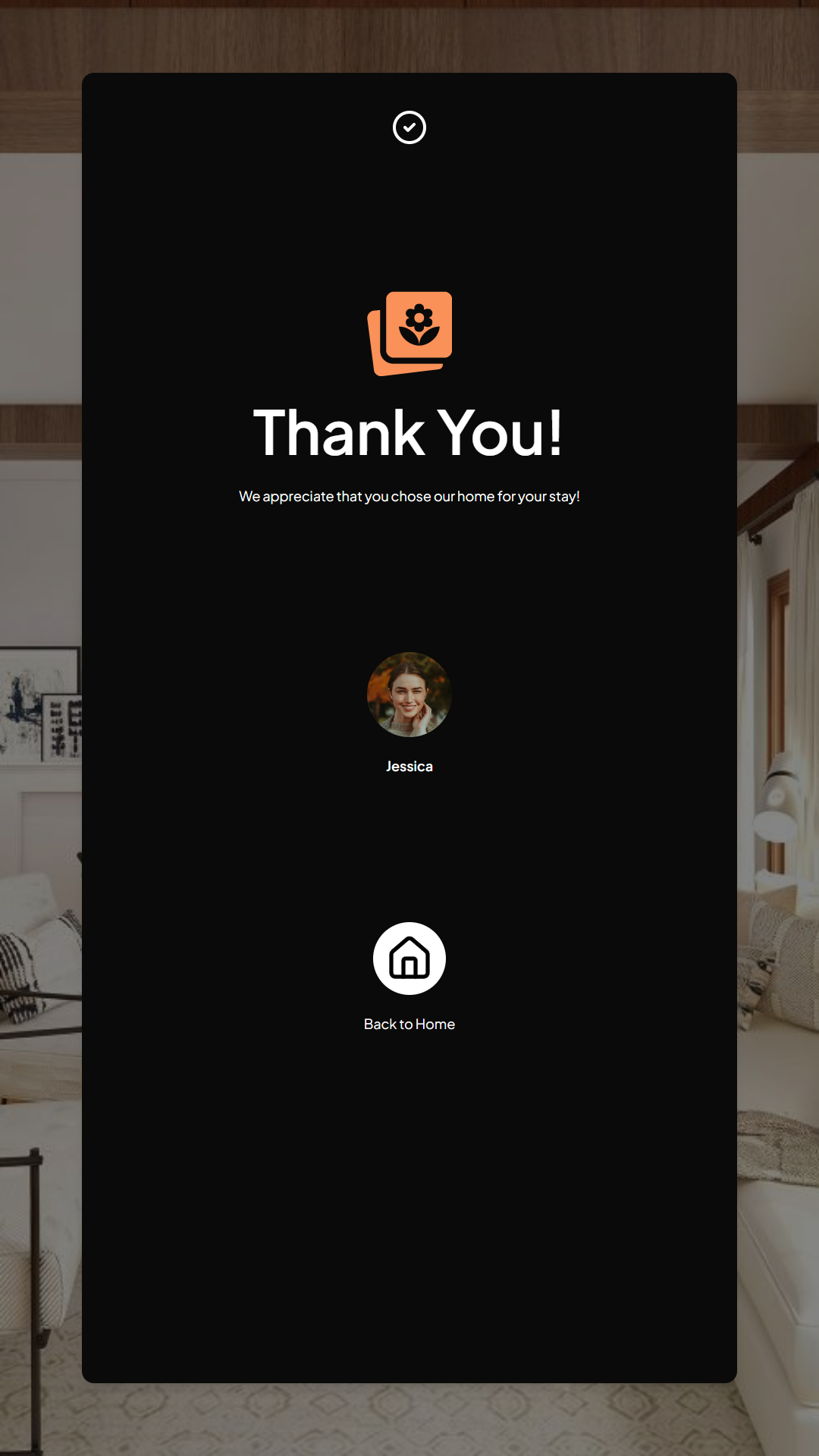
3. Host Name - The host name appears on the personalized check out and thank you messages.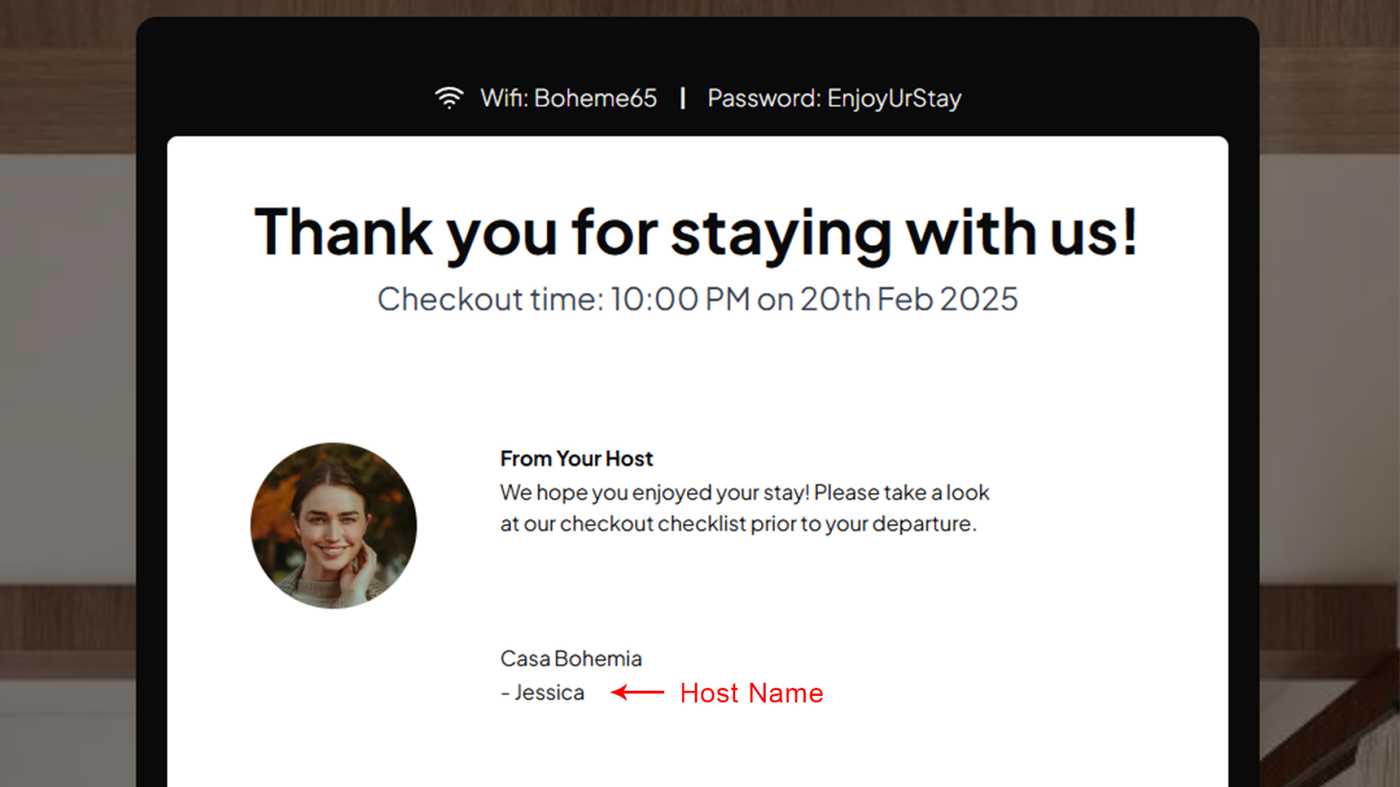
4. Host Photo - The host photo appears on the checkout and thank you screens.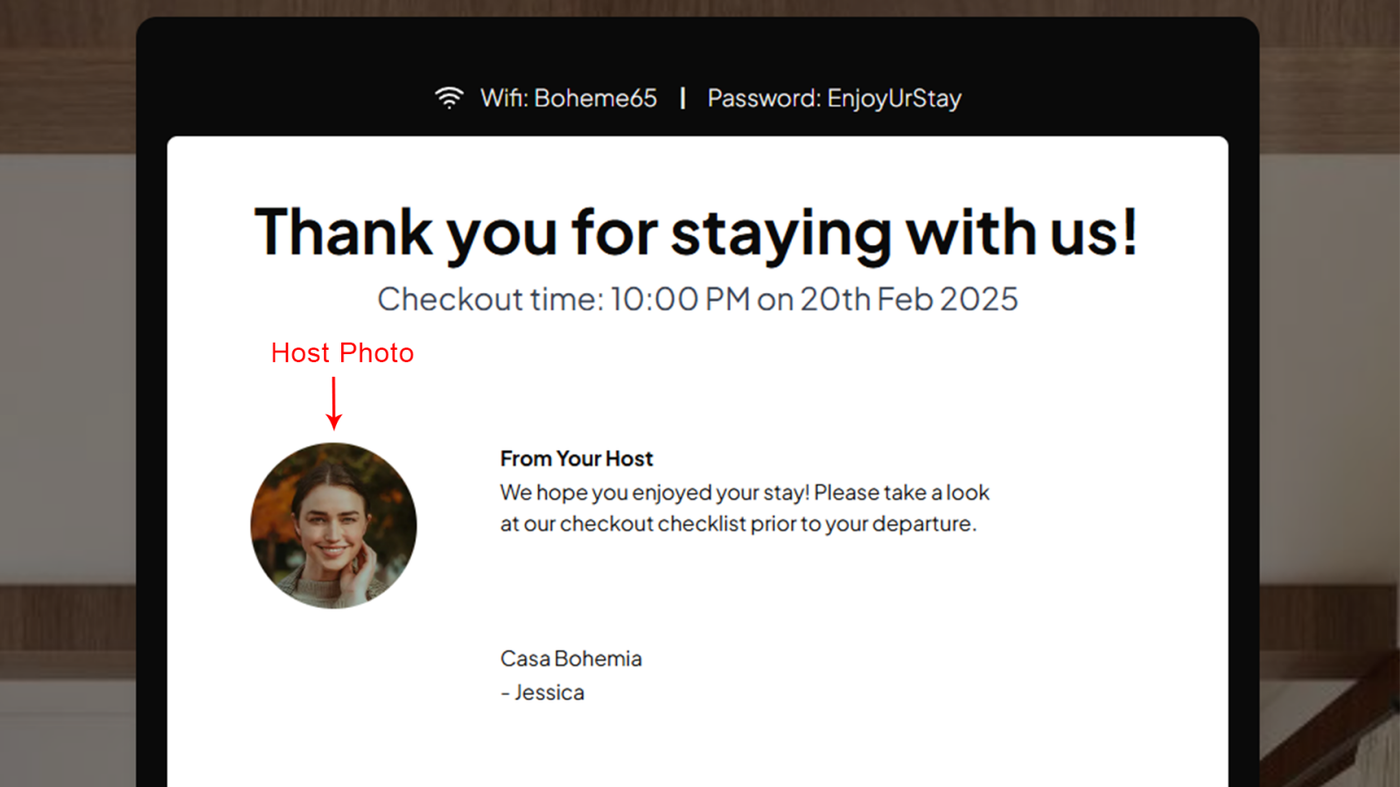
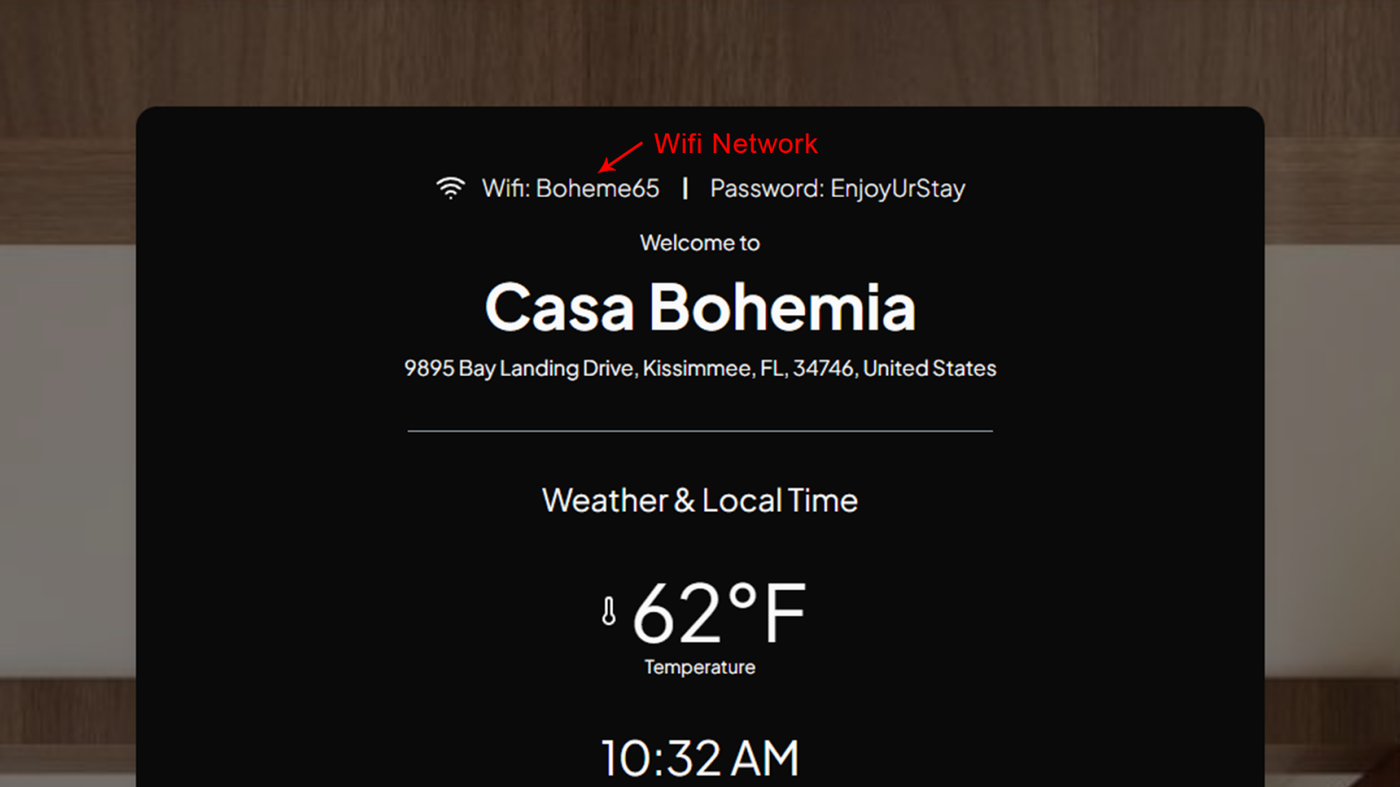
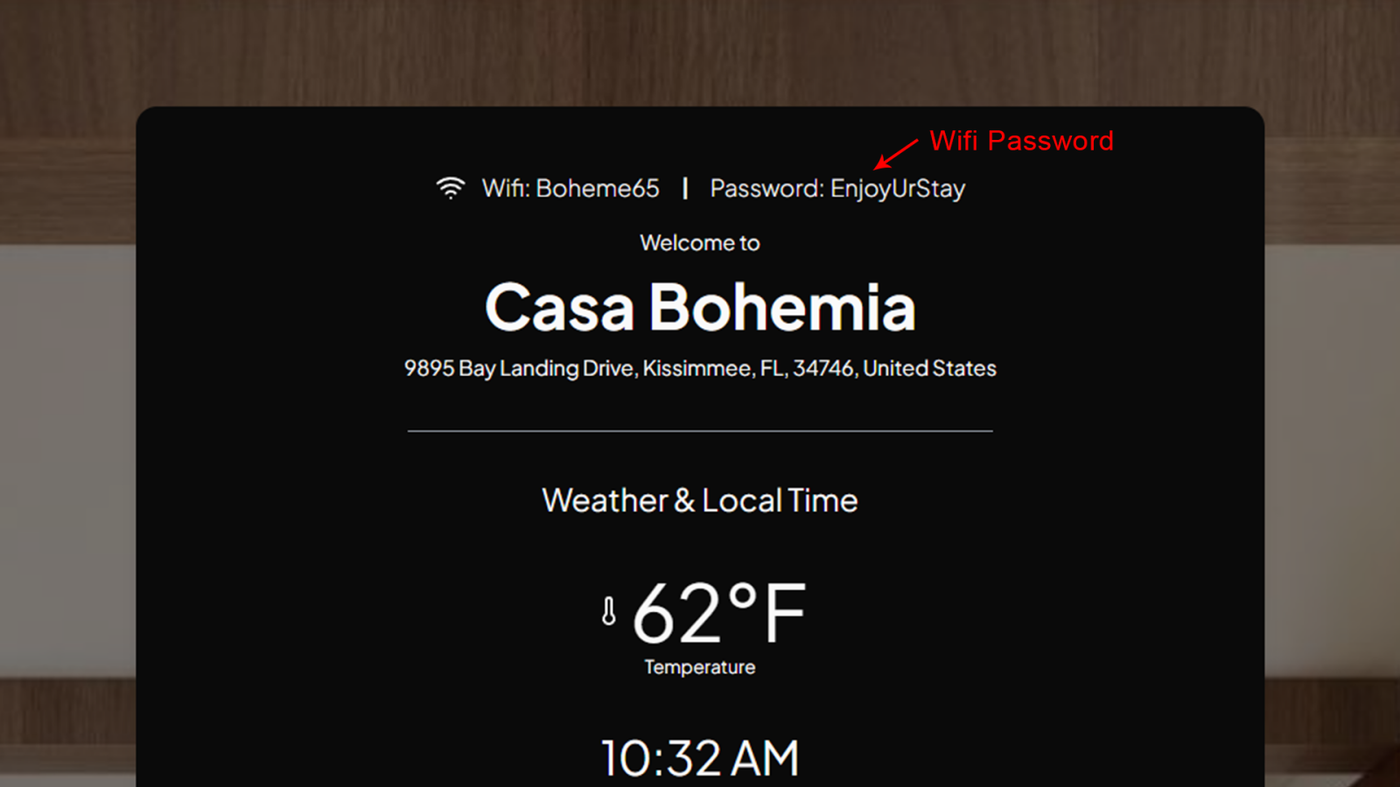
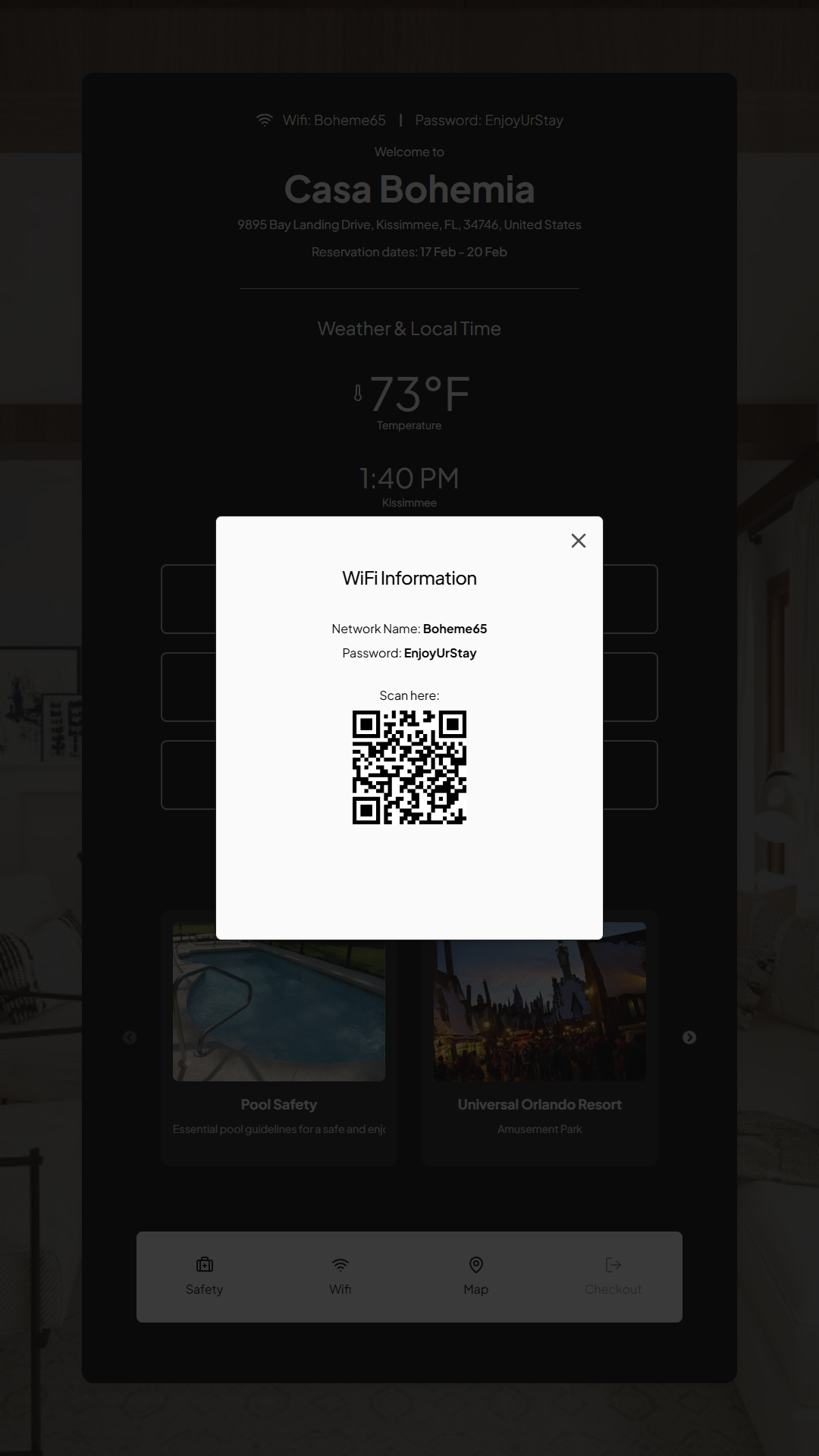
5. Wifi Network, Wifi Password and Wifi QR Code - Your property's Wifi Network and Wifi Password is displayed at the very top of the device's interface, where guests can easily see it. Tapping the Wifi Icon at the bottom of the interface also pops up a Wifi Information modal where guests can get the Wifi Network and password or scan a QR Code.